
Oak County Stables Tutorial: Tack, Riding, and Horse Training
Oak County Stables tutorial routines begin with purchasing a horse on the office computer, equipping tack from inventory, and mounting to train gaits in the arena. Practicing transitions, cavaletti poles, and course jumps increases horse stats before listing them for sale.
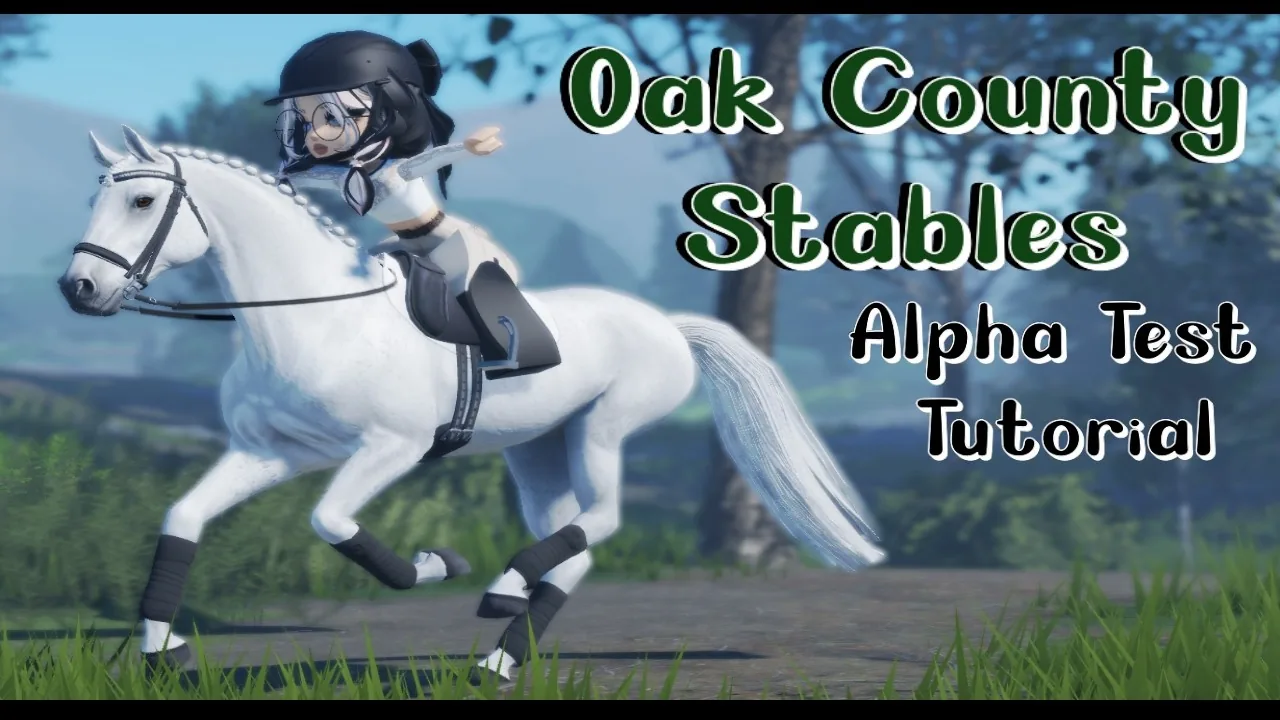
Oak County Stables tutorial routines begin with purchasing a horse on the office computer, equipping tack from inventory, and mounting to train gaits in the arena. Practicing transitions, cavaletti poles, and course jumps increases horse stats before listing them for sale.
Purchasing Horses and Equipment
Players enter the main barn office to access the laptop station. Interacting with the laptop opens four simulated equine websites: Nebe, Equestrian Estate, Lucky Ranch, and Equine Exchange. Each listing displays the horse's purchase price, temperament, likes, dislikes, and current training level. Clicking the medical tab displays the horse's vet history, noting dental status, deworming records, and weight conditions.
The tack market computer sits in the tack room alongside equipment racks. Players purchase English, dressage, and Western saddles, saddle pads, cinches, bits, and protective leg wraps. Asset contributions from Lakeside Saddlery supply the game's Western tack, cinches, and standard equipment. Storing items adds them directly to your personal tack room storage.
Before bringing gear into the stable aisle, open your tack inventory and assign the required items to your selection wheel. A working riding set requires a saddle pad, anti-slip pad, saddle, girth, bridle, and optional protective boots. Selecting an item places it into your character's hands for manual stall application.
Barn Preparation and Tacking Up
Head to the stall board to spawn your horse into an open stall. Pressing H opens horse accessories such as halters and lead ropes, where a color palette lets you adjust leather or nylon tints. Securing the horse to the cross ties keeps the animal stationary while you groom and dress it.
The grooming kit provides three primary tools:
- Comb: Opens a styling interface for braiding manes and altering tail arrangements through a short mini-game.
- Hand Brush: Removes surface dust while increasing interaction familiarity.
- Clippers: Trims coat edges and tidies bridle paths.
Tacking requires holding each gear piece in your hands, approaching the horse, and holding down the interaction prompt. Equip saddle pads first, followed by the saddle, girth, and bridle. To prepare for mounted work, remove the halter, store the lead rope, and select the stirrup icon to mount.
Riding Aids and Core Controls
Oak County Stables implements realistic equestrian aids where keyboard inputs correspond directly to rider leg and rein pressure. The on-screen UI tracks your current gate speed, collected walk status, and blue stamina bar.
| Training Activity | Target Progression | In-Game Execution |
|---|---|---|
| Cavaletti Pole Trot | Stamina and Rhythm | Maintain collected trot using Z while steering straight over ground poles |
| Canter Transitions | Intelligence Stat | Shift smoothly between working trot and canter using timed gait keys |
| Arena Course Jumping | Strength and Bravery | Align with jump centerlines; the horse times takeoffs automatically |
Mounted movement relies on official controls mapped to physical riding aids:
- W: Squeeze both legs to urge the horse forward into a walk.
- S: Pull the reins to decrease momentum and halt.
- Z: Apply a cluck aid to move up to the next gait, shifting from walk to trot or trot to canter.
- X: Apply a woah aid to transition down to a slower gait.
- Q: Press the left leg against the horse's flank to initiate bends or lateral steps.
- E: Press the right leg against the horse's flank for opposite bends.
- Spacebar: Manual jump override when approaching fences without automatic stride timing.
Horses display distinct temperament traits under saddle. If a horse misbehaves or bucks on the trail or in the arena, clicking rapidly or hitting the balance prompt restores rider control.
Course Building and Disciplines
The arena sign-in board contains the course builder interface. Riders can load pre-set dressage layouts, select numbered show jumping courses from ground poles up to four-foot spreads, or construct custom tracks. Toggling the stride counter displays exact stride distances between obstacles, helping riders manage pace between combinations.
Selecting custom courses opens player-created gymnastic setups, cavaletti grids, and Western trail obstacles. Maneuvering between poles requires alternating Q and E leg aids to bend the horse's body through turns. Pressing Shift and P activates the free camera to inspect jump alignments or capture photos.
Skill Tree and Horse Value
Riding disciplines earn experience points across six attributes: Speed, Strength, Intelligence, Stamina, Agility, and Bravery. Fast gallops increase strength and stamina, while frequent transition work improves intelligence.
Spending skill points inside the horse training menu unlocks advanced dressage movements:
- Stamina perks reduce the stamina drain rate during sustained canter work.
- Agility milestones unlock flying lead changes, collected pirouettes, and square corner turns.
- Dressage frame unlocks passage and elevated working trot animations.
- Intelligence upgrades accelerate gait response times when shifting upward.
Completing training plans raises the horse's market value. Trained horses can be relisted on the Equine Exchange website, allowing players to turn starter project mounts into profits for higher-tier sport horses.
Next step
Cluck Keybind
Check the exact keybind for clucking in Oak County Stables and review all paired riding inputs on Roblox.